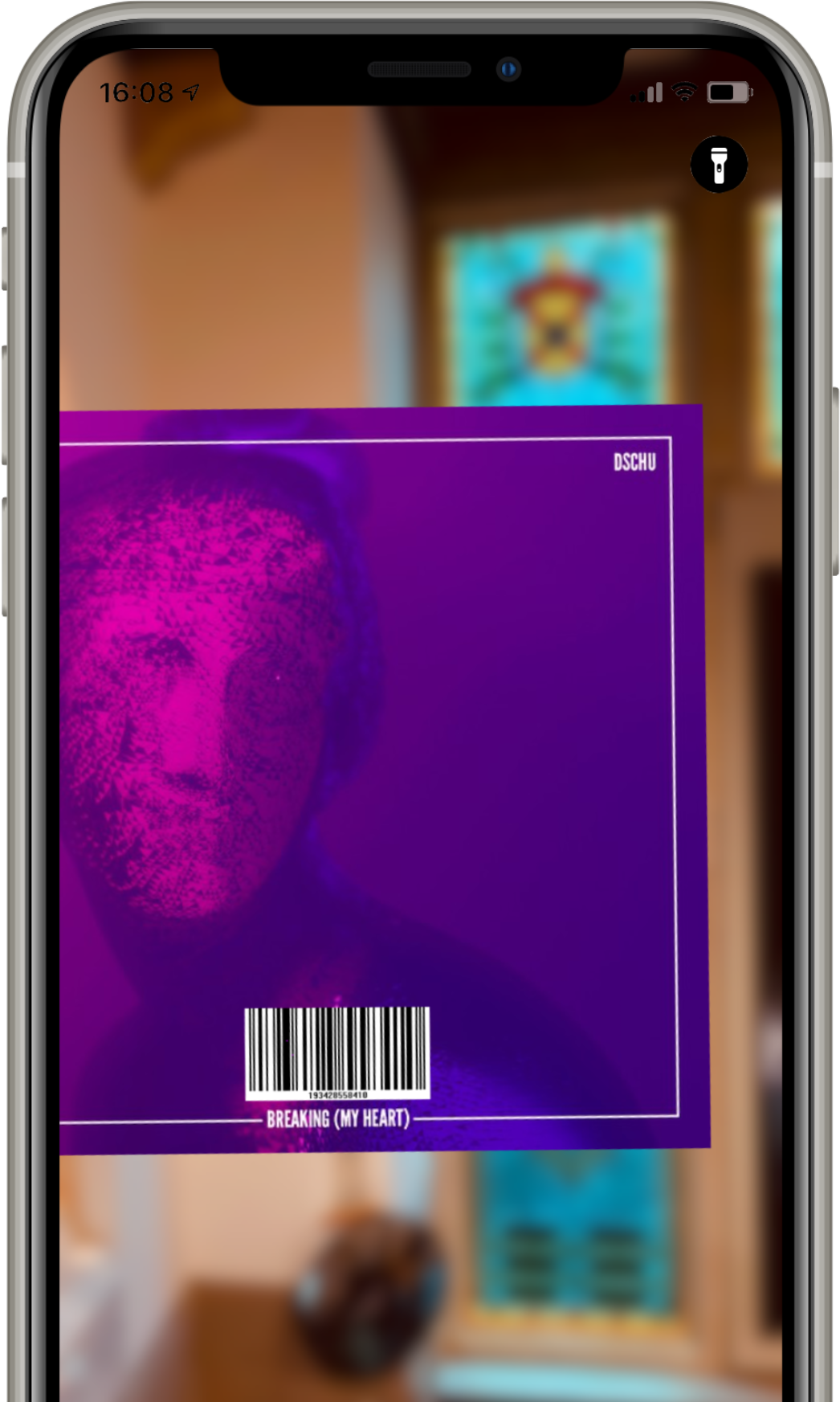
Adding albums to your Apple Music library has never been easier: scan the barcode on the back side and you're done.
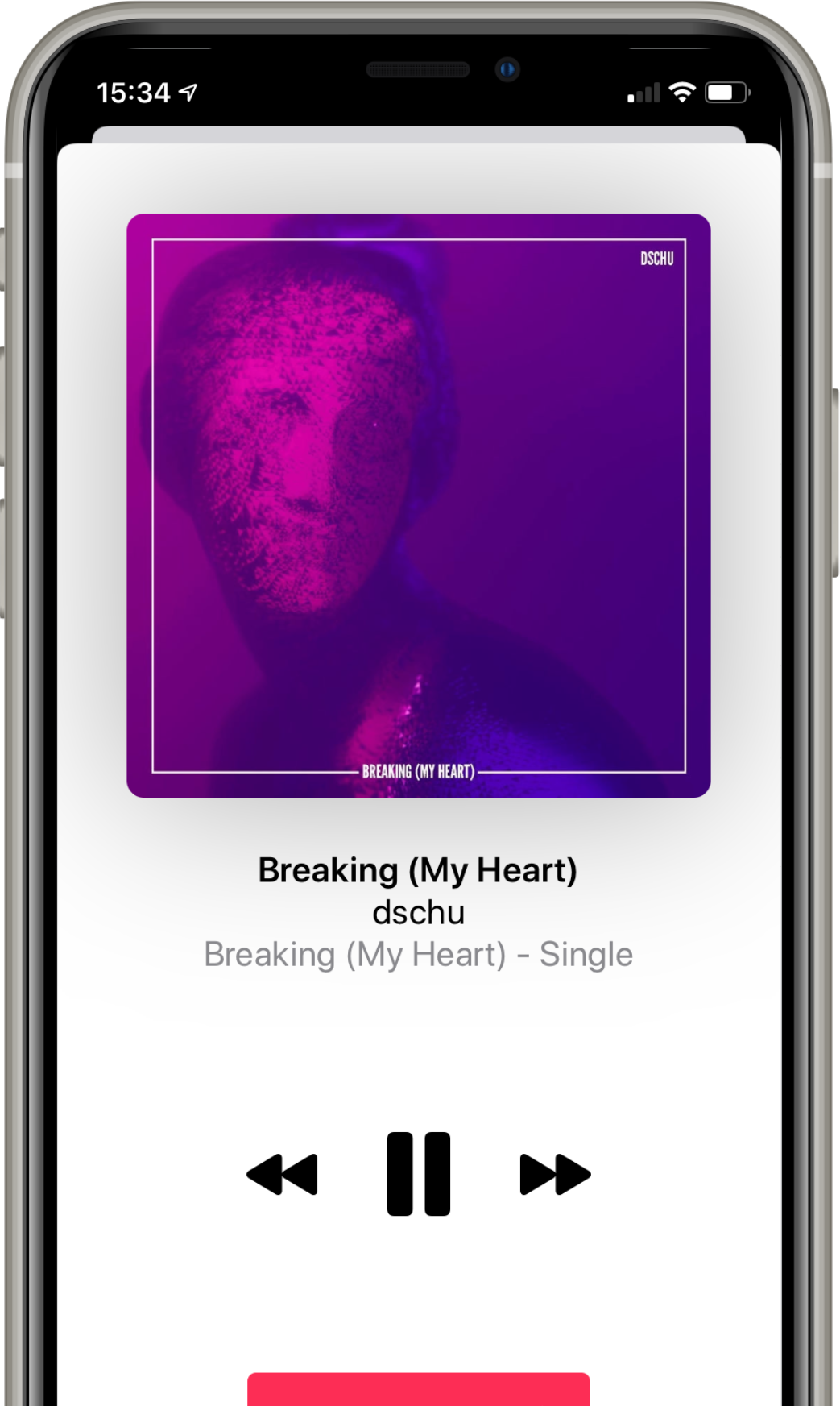
After scanning a code you can listen instantly. If you like, add the played song to your library with a single tap.
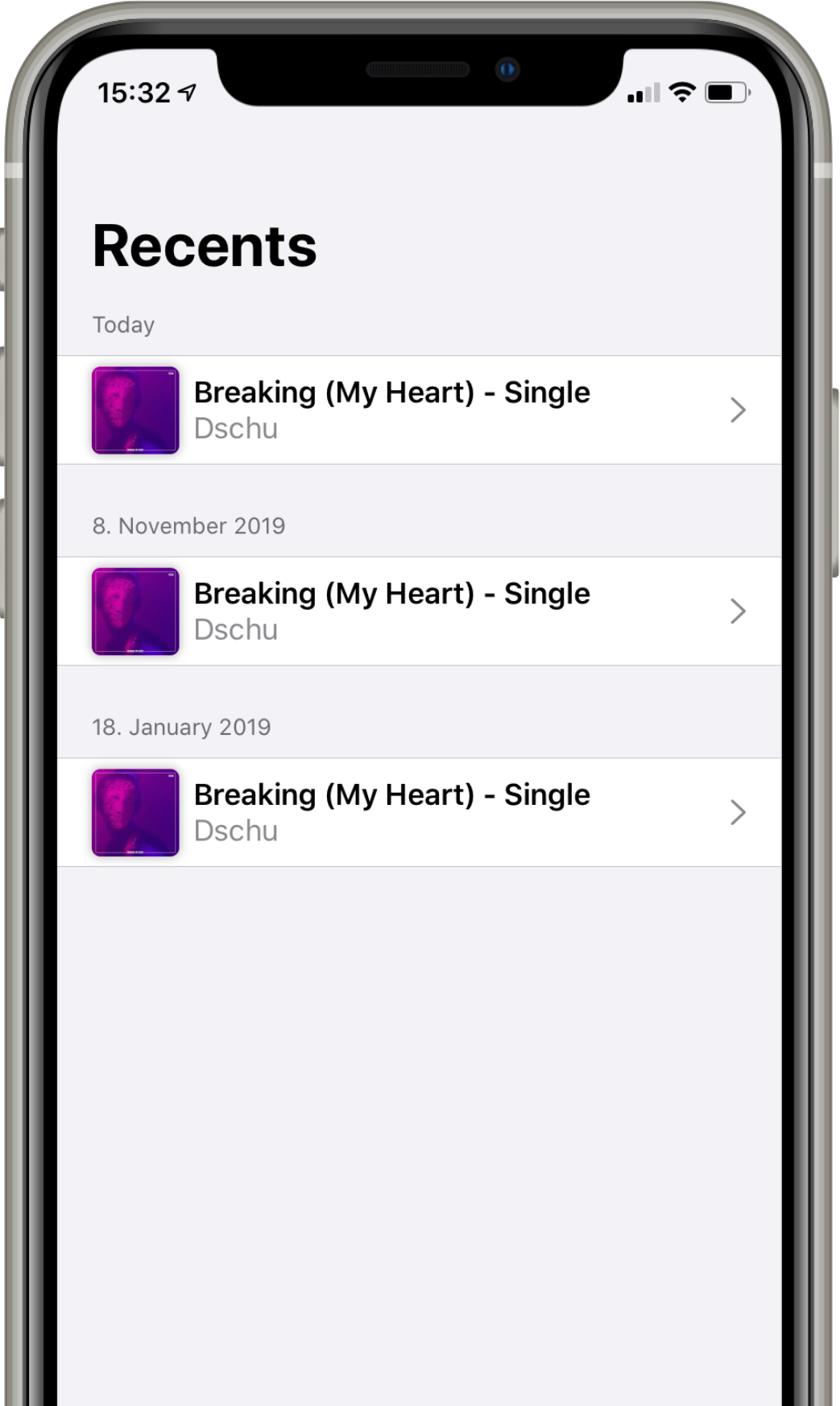
iDigMusic stores a list of your scanned items. Forgot what you scanned? Open the history.
Integrated QR scanner
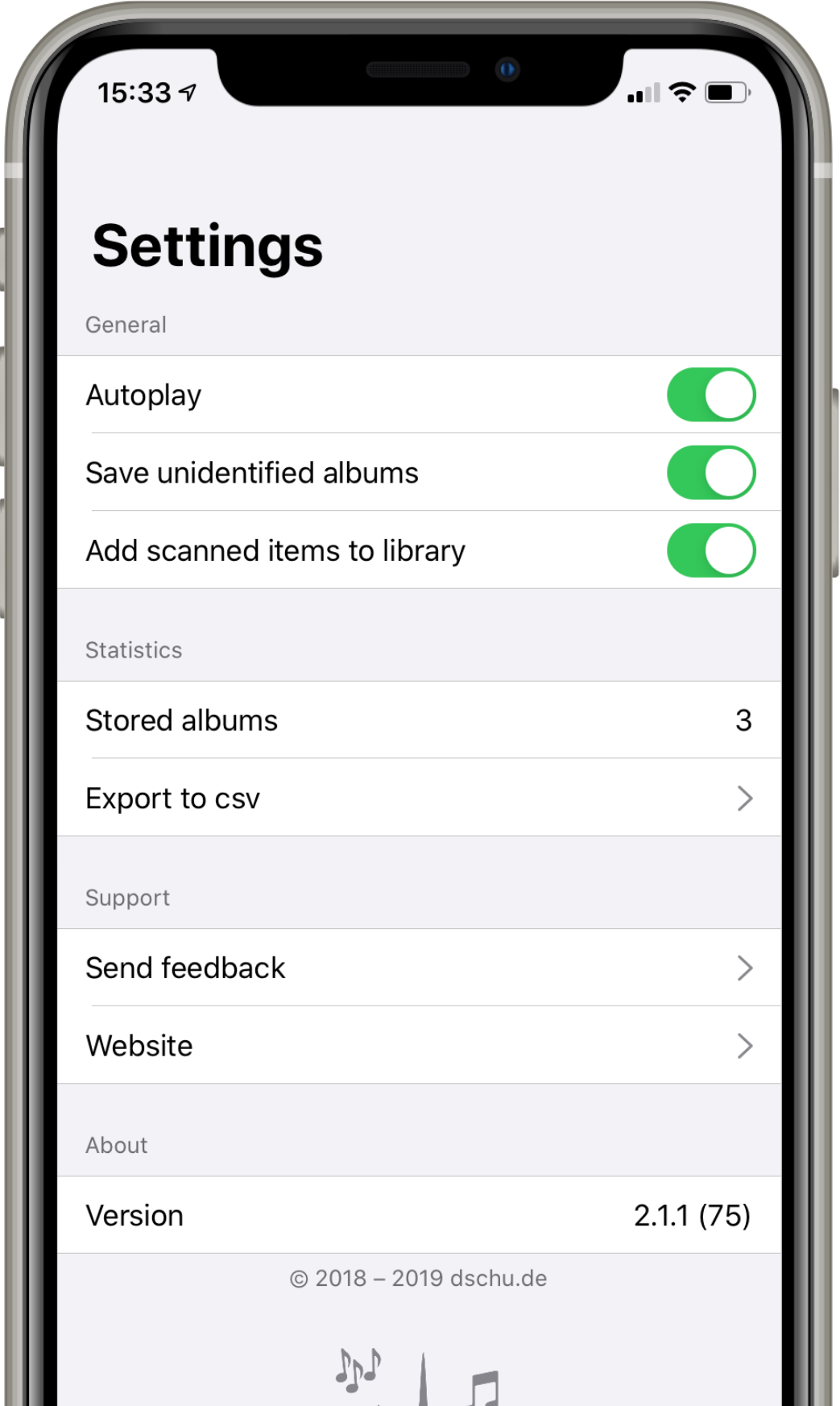
Automatically add scanned items to your library*
Torch light for scanning in darker situations
Autoplay on Apple Music*
History of scanned items
Full dark mode support
iCloud sync
Export your data to CSV
* Apple Music subscription required